Live measurements
Run band sweeps, inspect the SWR curve, and repeat tune while adjusting your antenna.
 VNAAIR
A compact bridge for your NanoVNA
VNA Air connects a USB NanoVNA to an ESP32-S3 bridge, then brings live sweeps and antenna measurements to a browser or iPhone. Tune bands, compare SWR, and keep the instrument's measured sweep grid in sync with your app.
Use the bridge with the VNA Air browser app or the native iOS companion. The browser app also includes a simulated device so you can explore without hardware.
Run band sweeps, inspect the SWR curve, and repeat tune while adjusting your antenna.
Compare amateur-band results at a glance, then open a full sweep to locate a resonance.
The ESP32-S3 relays NanoVNA measurements over Bluetooth LE to supported apps.
Real screens from the VNA Air iPhone and Apple Watch apps, captured with the built-in simulated bridge. Select any image to view it full size.


VNA Air runs on an ESP32-S3 board. Get it ready to use with the kit, or buy a board below and flash the firmware yourself for free.

Flashed, tested, and ready to pair.
Works with the free VNA Air web app today, and with the iPhone app when it arrives on the App Store.
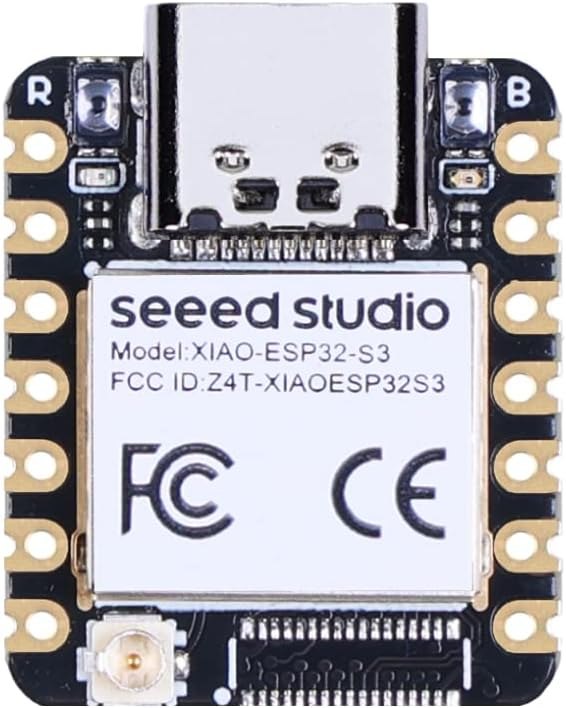
The small board VNA Air was built and tested on, and the board the firmware on this page targets.
Buy on Amazon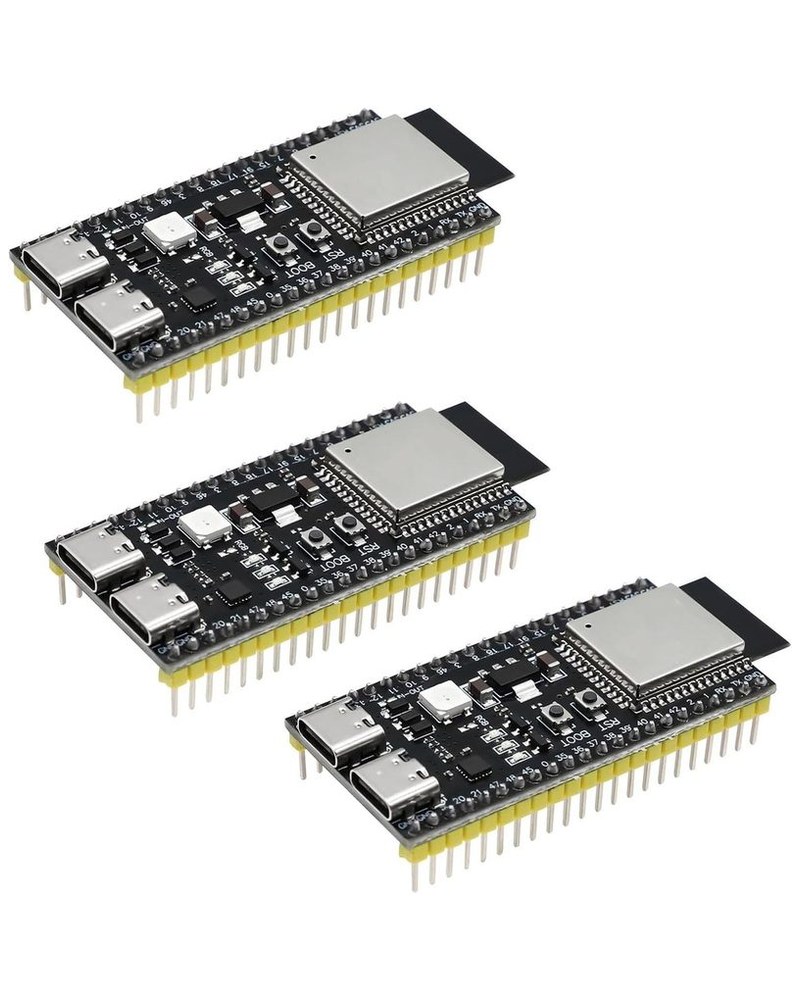
A full-size dev board option built on the same ESP32-S3, with header pins that make experimenting easy.
Buy on Amazon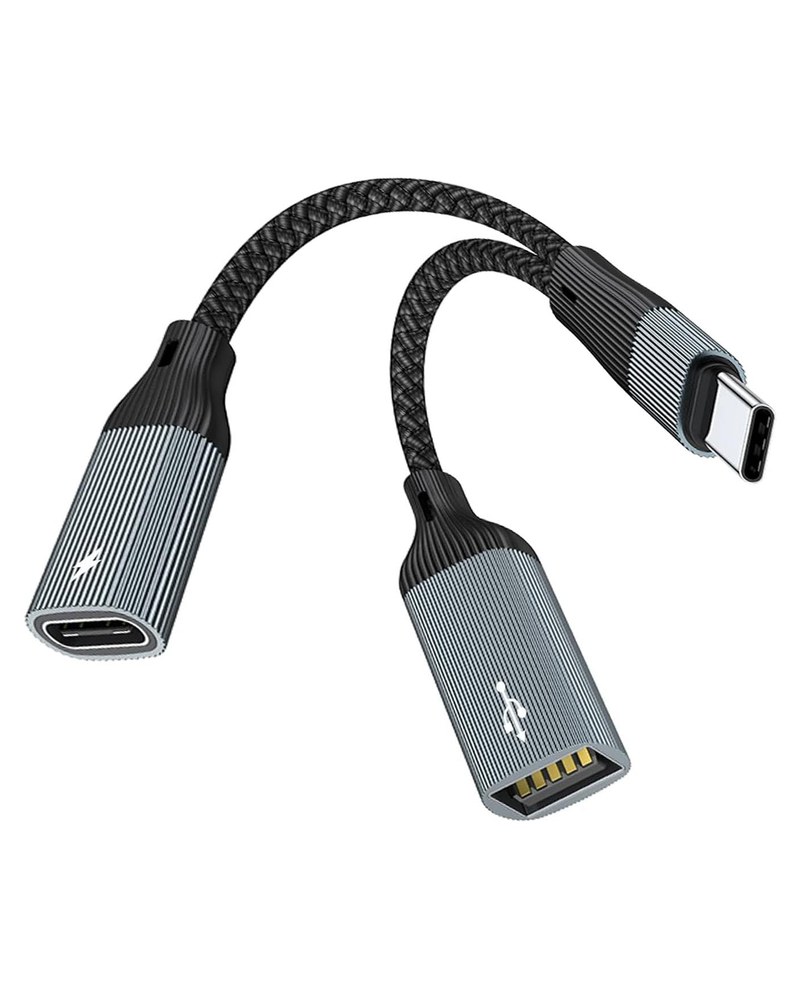
One USB-C plug splits into a charging port and a USB data port, so the XIAO mini can take power in while data goes out to your NanoVNA. Included in the VNA Air Kit.
Buy on AmazonThe board and adapter links are Amazon affiliate links. If you buy through them, Robb may earn a small commission at no extra cost to you. The VNA Air Kit is sold directly by Robb, with no affiliate involved.
The firmware is built for the Seeed Studio XIAO ESP32S3 with 8 MB flash. The installer writes the bootloader, partition table, and VNA Air firmware.
Use a desktop version of Chrome or Microsoft Edge on this secure GitHub Pages site. Connect the S3 directly to your computer with a USB data cable.
Install the firmware above using a desktop browser and a USB data connection.
Plug the NanoVNA into the ESP32-S3 USB host connection, directly or through a powered hub.
Connect to the VNA Air BLE service in the app and start a sweep.